
Why Privacy and Security Matter in AI-Powered Development
As enterprises increasingly adopt AI to automate code reviews, testing, and vulnerability scanning, ensuring data privacy becomes paramount. Cloud-based AI tools may expose sensitive source code, customer data, or intellectual property to external risks. By contrast, on-premise AI tools allow organizations to keep data within their controlled environments — aligning with data sovereignty and compliance requirements like GDPR and CCPA.
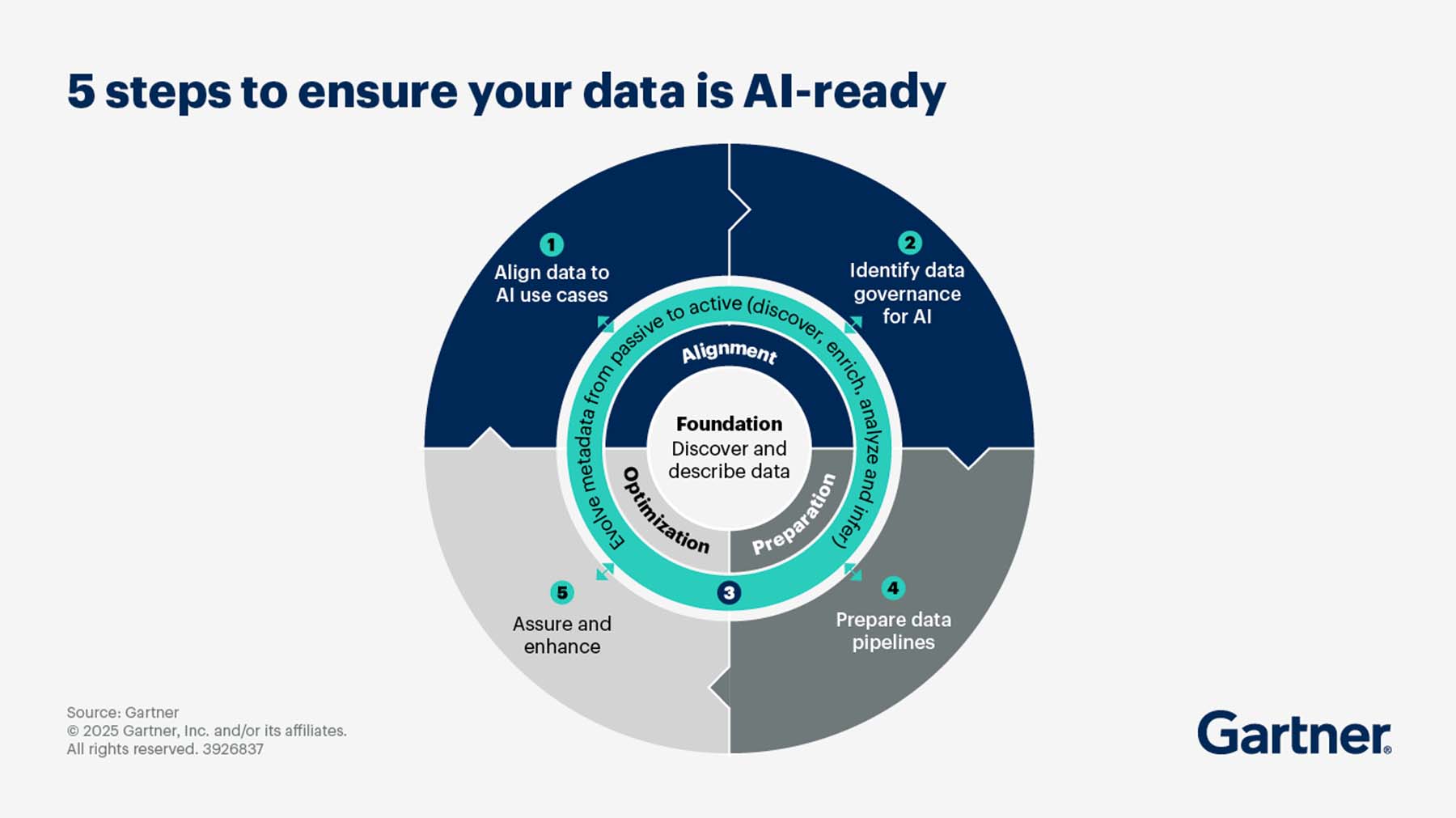
According to Gartner, by 2026, 75% of organizations will demand AI solutions that guarantee strong data residency and compliance assurances
What Are On-Premise AI Tools For Software Development
On-premise AI tools are artificial intelligence solutions that are deployed and operated within an organization’s own infrastructure, rather than relying on external cloud services. In the context of software development, on-premise AI allows teams to leverage advanced AI capabilities—such as code analysis, automated testing, and security scanning—while keeping all data and processes within their own controlled environment.
Core components of on-premise AI infrastructure include:
- Hardware: Servers, GPUs, and storage devices physically located on-site or in a private data center.
- Software: AI models, orchestration tools, and management platforms installed and maintained by the organization.
- Security Measures: Firewalls, access controls, and monitoring systems tailored to the organization’s specific needs.
Examples of on-premise AI tools in software development:
- AI-powered code review platforms installed on internal servers
- Automated vulnerability scanners running within the company’s network
- Machine learning models for test automation, hosted locally
Primary connection to data privacy: On-premise AI ensures that sensitive code, intellectual property, and customer data never leave the organization’s boundaries, giving teams full control over where and how their data is stored and processed.
Key characteristics of on-premise AI:
- Full Control: Organizations own and manage the entire AI infrastructure, including hardware and software.
- Data Locality: All data remains within the organization’s physical or virtual boundaries, reducing exposure to external threats.
- Customization: Security protocols and configurations can be tailored to meet specific regulatory or business requirements.
Cloud Vs On-Premise AI: Key Differences For Privacy
When evaluating AI deployment options, privacy is a critical factor for software development teams. Here’s a comparison focused on privacy aspects:
For enterprise development, these aren’t theoretical differences — they define your risk surface. Why these differences matter for software development:
- Handling proprietary code or sensitive customer data often requires strict privacy controls.
- On-premise AI minimizes the risk of data leaks during transmission or from third-party access.
- Regulatory compliance is easier to demonstrate when data never leaves your infrastructure.
Why It Matters for Developers
If you work with proprietary code, regulated data, or customer IP, privacy isn’t negotiable. Every commit, every build artifact, and every log line can contain sensitive information.
On-premise AI minimizes the risk of data leaks — not only from malicious actors but from simple misconfigurations or API exposure. It also makes compliance simpler: when data never leaves your network, audit trails write themselves.
In regulated industries, “secure by design” isn’t optional — it’s the only way you’re allowed to operate.
Top Security And Compliance Benefits Of On-Premise AI
Data Sovereignty — Your Data, Your Jurisdiction
One of the biggest advantages of on-premise AI is data sovereignty — keeping your data subject only to the laws of the country where it physically resides.
When repositories, test data, and build artifacts stay inside your infrastructure, you maintain full legal and operational control. That’s a major advantage in regions like the EU, where data residency rules are strict. There’s no ambiguity about where your code lives or who could subpoena it. Your data, your infrastructure, your rules.
Encryption and Access Control — Security You Design
In the cloud, encryption and access policies are pre-defined. You trust the provider’s key management. With on-premise AI, you manage everything — encryption standards, key rotation, and access logic.
You can enforce role-based access control (RBAC) to limit exposure:
- Developers → read/write code
- Testers → read-only
- Admins → full control
This simple model — least privilege — prevents 90% of internal data risks. It also lets you integrate directly with your existing stack: SSO, audit logs, and centralized security management.
Regulatory Alignment — Building for Audits, Not Against Them
Auditors don’t care about marketing promises. They care about proof — who accessed what, when, and where the data resides. On-premise AI makes this straightforward. You own every event log, audit trail, and retention policy.
That aligns perfectly with frameworks like:
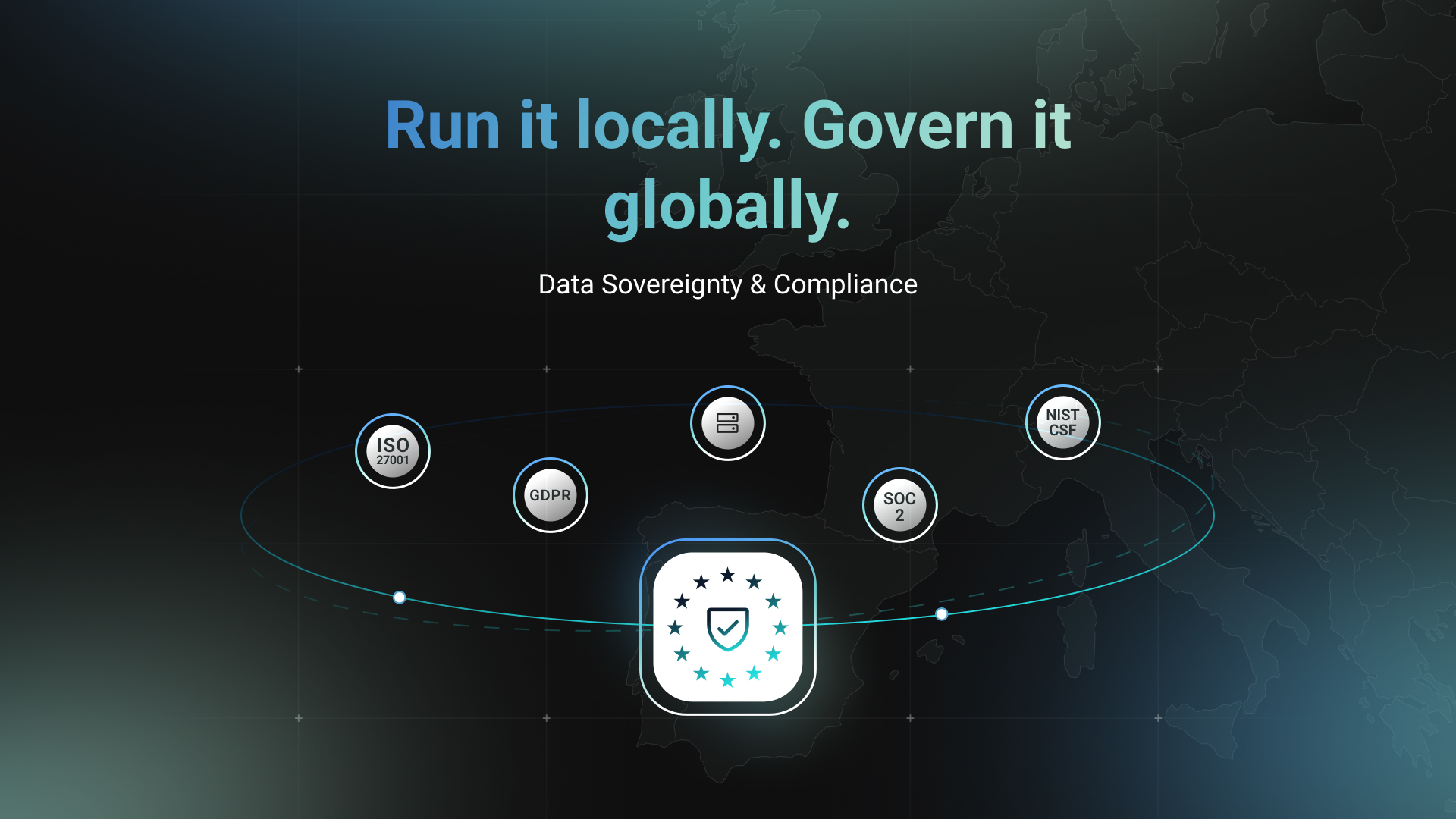
- ISO/IEC 27001 (ISO.org)
- SOC 2 (AICPA)
- NIST Cybersecurity Framework (CSF) (NIST.gov)
For development teams, that means faster audits and cleaner documentation — because every control lives inside your environment.
Common privacy risks in software development
I’ve seen teams underestimate how easily sensitive data can leak through daily workflows.
Common pitfalls include:
- Proprietary code exposure — snippets sent to external APIs.
- Test data leaks — real customer data reused in QA.
- Intellectual property risks — cloud tools retaining or analyzing your code.
- Pipeline vulnerabilities — third-party integrations introducing attack vectors.
The consequences: data breaches, compliance fines, loss of competitive edge, and broken trust.
On-premise AI addresses these by keeping everything — data, models, and analytics — inside your trusted perimeter.
Practical steps to reduce data exposure
Role-Based Access Controls
Define clear roles (developer, tester, admin). Apply the principle of least privilege and audit permissions regularly.
Access creep is real — and it’s often where incidents begin.
End-To-End Encryption
Encrypt data both at rest and in transit. Use AES-256 for code repositories, . for stored data and TLS for network traffic. Rotate keys. Never hard-code them. Treat encryption like part of your build pipeline hygiene.
Regular Security Audits
Run quarterly audits covering infrastructure, access logs, and dependencies. Include penetration testing and document every remediation. Auditing isn’t bureaucracy — it’s learning.
Challenges To Consider When Deploying On-Premise AI
On-premise AI isn’t plug-and-play. It has real challenges — but all can be managed with the right mindset.
- Hardware costs: Start with scalable GPUs, expand as usage grows.
- Technical expertise: Train your engineers or partner with managed service providers.
- Performance: Use containerization (Docker, Kubernetes) for elasticity.
- Setup time: Automate deployments with templates and IaC tools.
The key is not to treat on-premise as “legacy.” With modern DevOps, it’s just as dynamic as cloud — only safer.
Integrating On-Premise AI Into Existing DevOps Pipelines
Containerization
We package AI tools into containers — lightweight, portable, reproducible. Kubernetes orchestrates them, ensuring uptime and isolation. Each container is sandboxed, with strict network policies to prevent data spillage.
CI/CD Integration
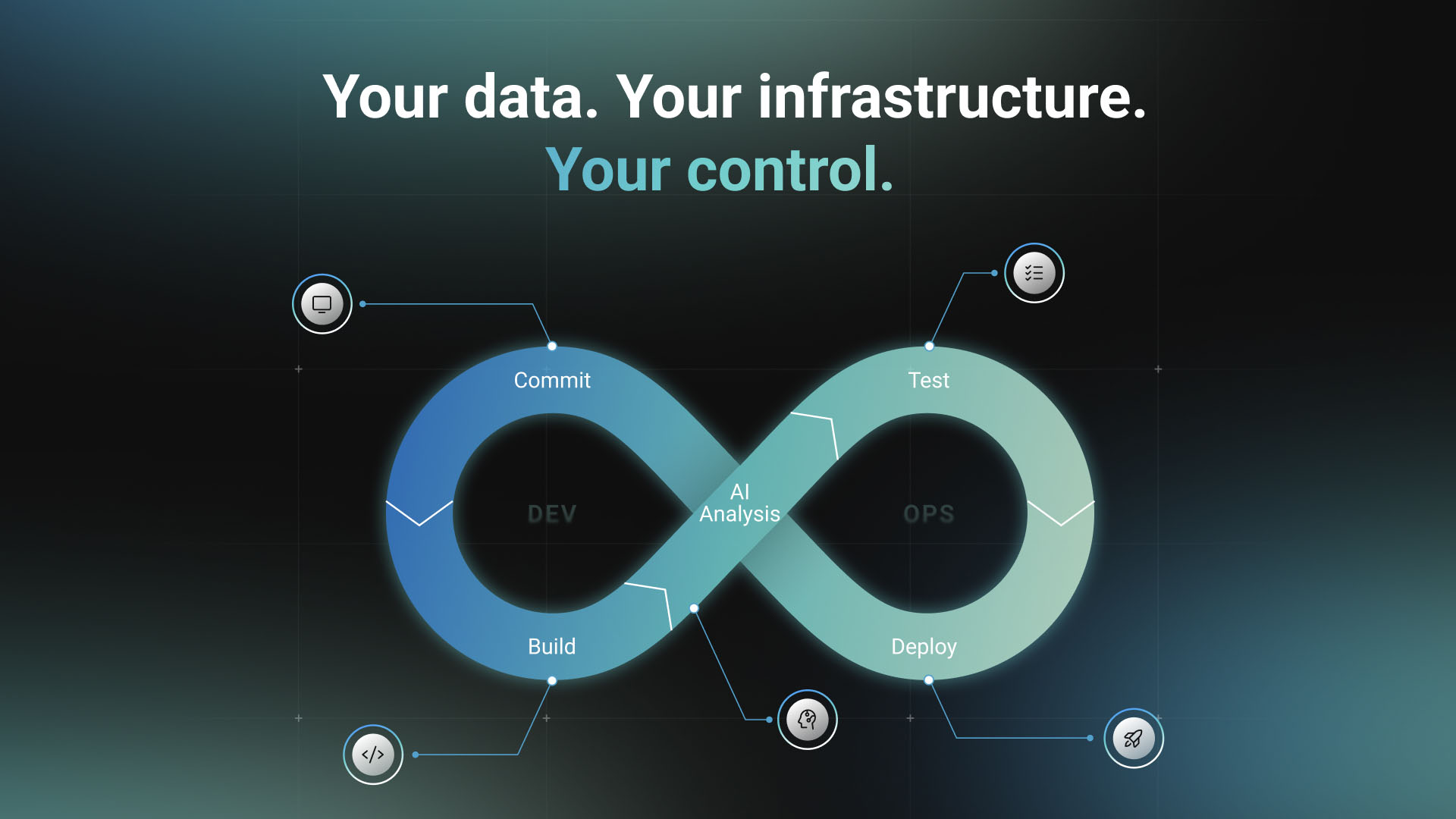
Our typical pipeline looks like this:
Commit → Build → AI Code Analysis → Automated Tests → Deploy
All steps run locally or within the internal network. No data leaves the environment — ever.
Monitoring and Alerting
We monitor resource usage, model performance, and access logs. Anomalies trigger alerts immediately. Security isn’t static — it’s observability in motion.
Is On-Premise AI Right For Your Team
Ask yourself:
- Do you handle sensitive or regulated data?
- Is data residency legally required?
- Do you want full control over compliance?
- Are you concerned about third-party access?
If yes, on-premise AI isn’t overkill — it’s common sense. For many teams, a hybrid approach works best: use on-premise AI for critical workloads and cloud AI for less sensitive ones. The ROI becomes clear when you compare it to the cost of data breaches, compliance fines, and vendor lock-in.
Building Secure Foundations for AI & data privacy
AI will continue reshaping how we build and ship software. But one thing won’t change:
Trust is non-negotiable.
When your code, documentation, and internal knowledge remain under your control, you move fast and stay compliant.
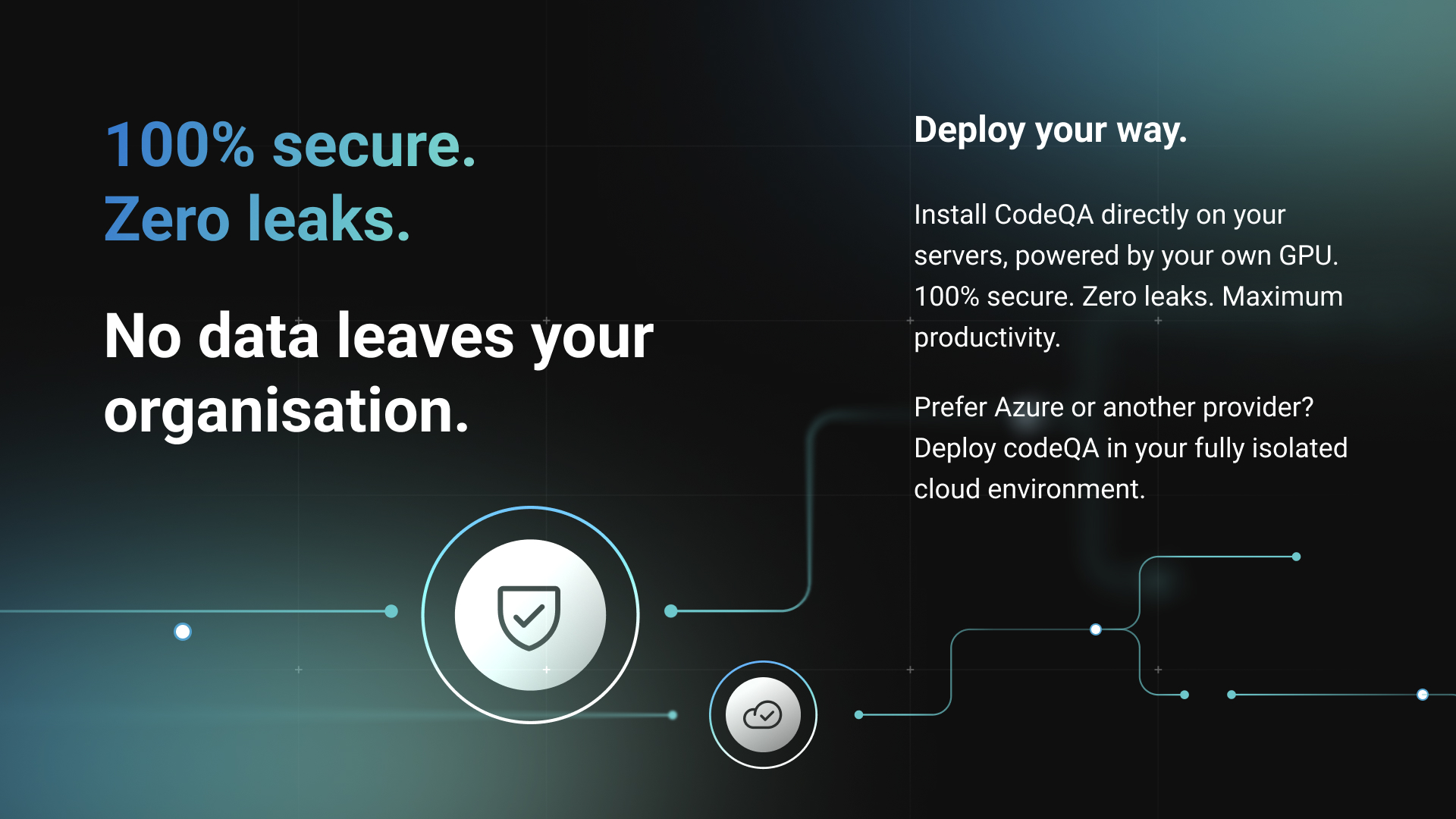
That’s exactly the balance we aim for with CodeQA — an on-premise AI assistant that helps teams search, analyze, and understand their codebases without sending a single line of proprietary code outside.
If your organization values privacy as much as innovation, it might be time to explore this path.
👉 Book a demo and see how on-premise AI can make your development process both intelligent and secure.